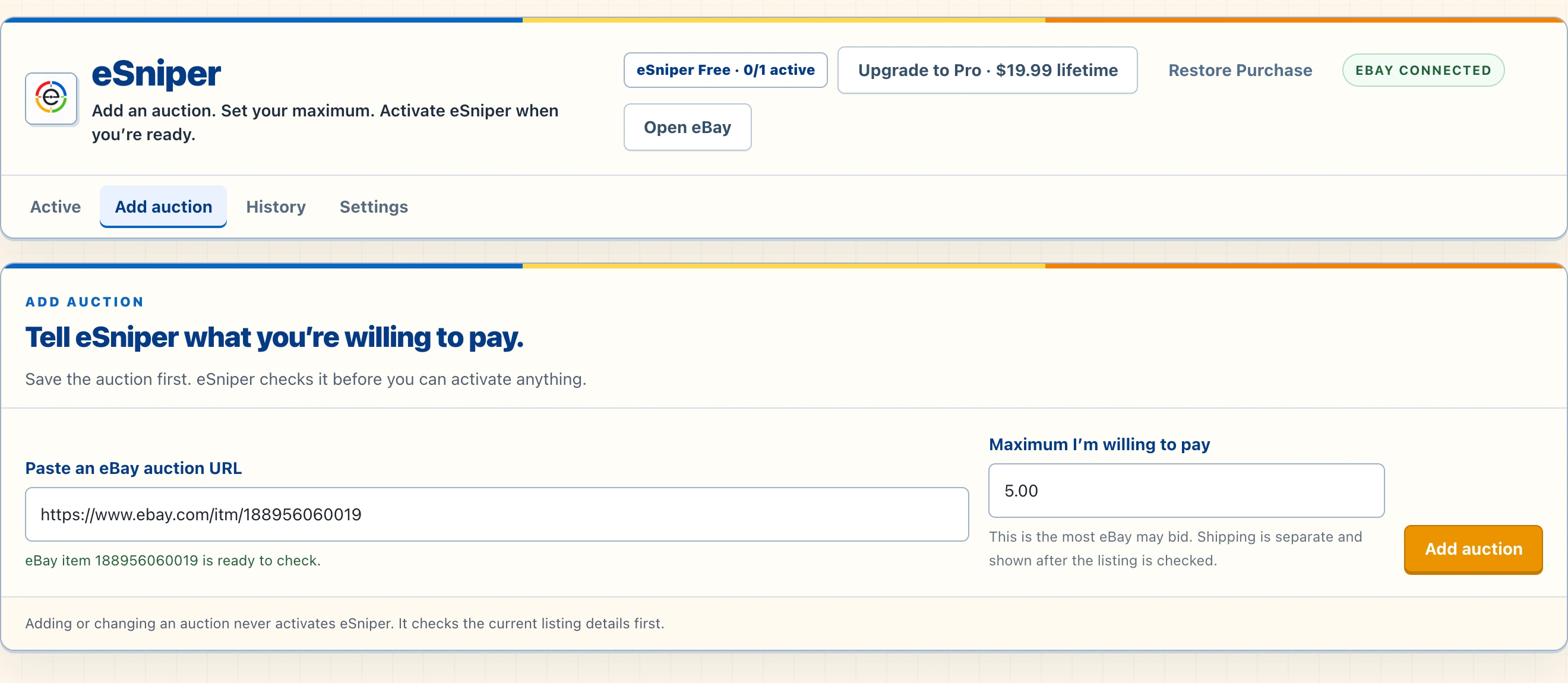
The auction workflow
Choose the auction.
Keep your limit in view.
- Add an auction. Enter its eBay item URL or ID. eSniper checks the listing before activation.
- Set your maximum. Choose the highest bid you are willing to place. Shipping is shown separately.
- Review readiness. Check the auction status and your eBay session in the app. Complete sign-in or any marketplace challenge yourself.
- Activate when ready. eSniper can attempt a closing-window bid within your saved maximum. Keep your Mac and connection available.
- Review the result. The History tab records ended auctions with price, saved maximum, and completion time. Confirm actual bidding and purchase status on eBay.
Your maximum is a decision, not a promise.
Timing, connectivity, session readiness, and marketplace conditions can affect whether a bid is attempted or accepted. A bid or a winning outcome is never guaranteed. You remain responsible for bids, purchases, and marketplace rules.
eSniper is not affiliated with or endorsed by eBay.